Huawei Router Prices in Kenya
Huawei routers offer high-speed internet, advanced security, and seamless connectivity for homes and businesses. From Wi-Fi 6 routers to 4G/5G mobile routers and mesh networking systems, Huawei delivers powerful, reliable, and easy-to-use networking solutions for all needs.
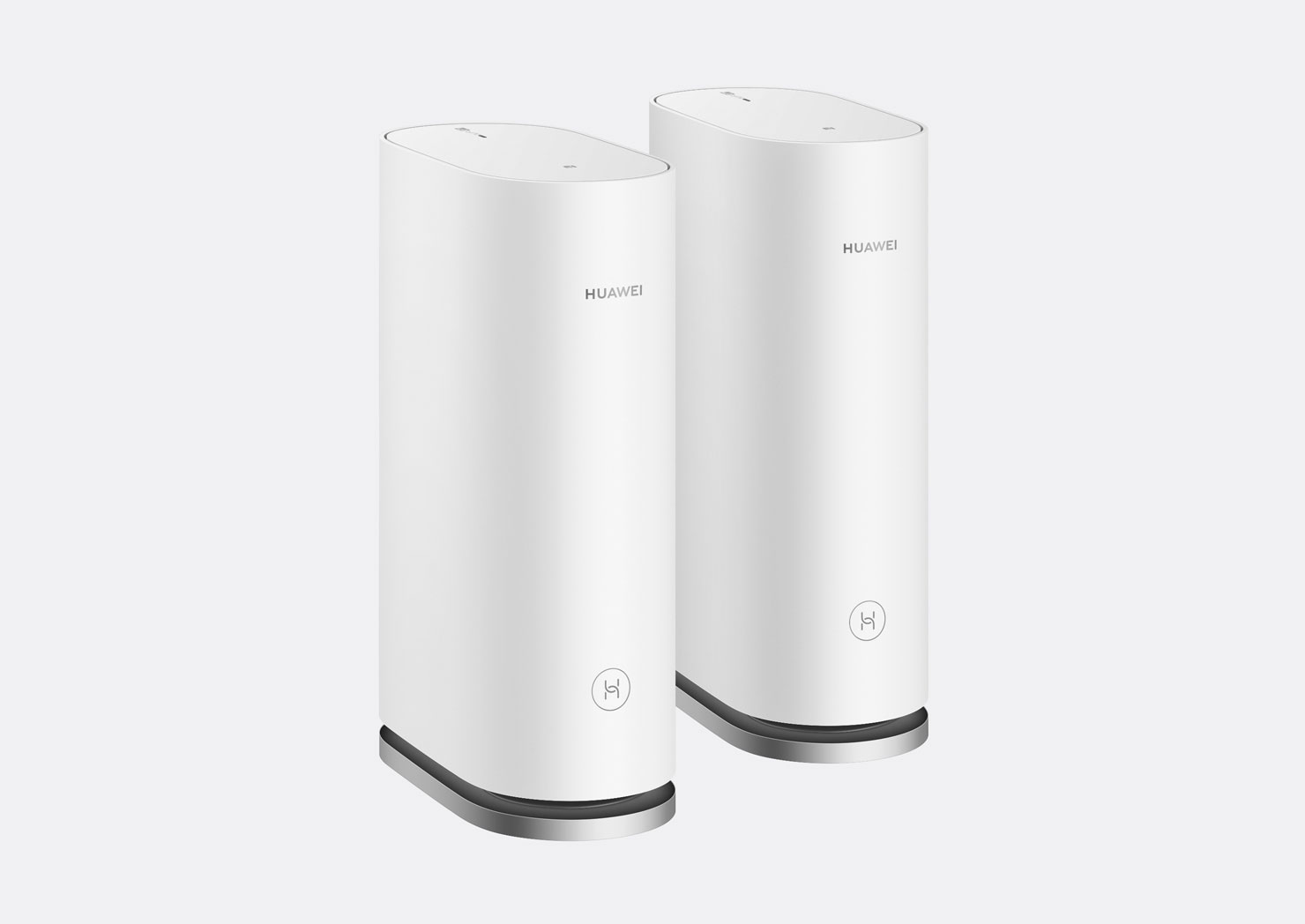
Top picks in Huawei Router Prices in Kenya
Compare price points, specs, and bundles tailored to Kenyan homes and businesses.


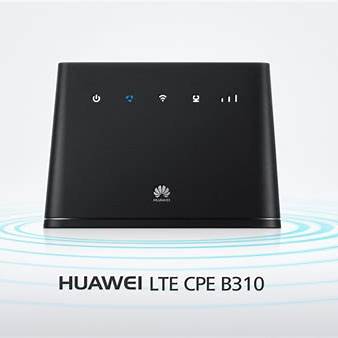
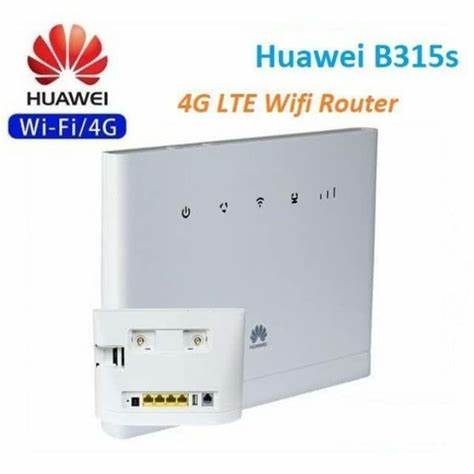
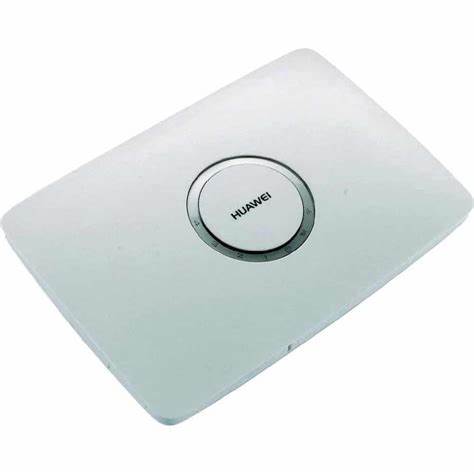
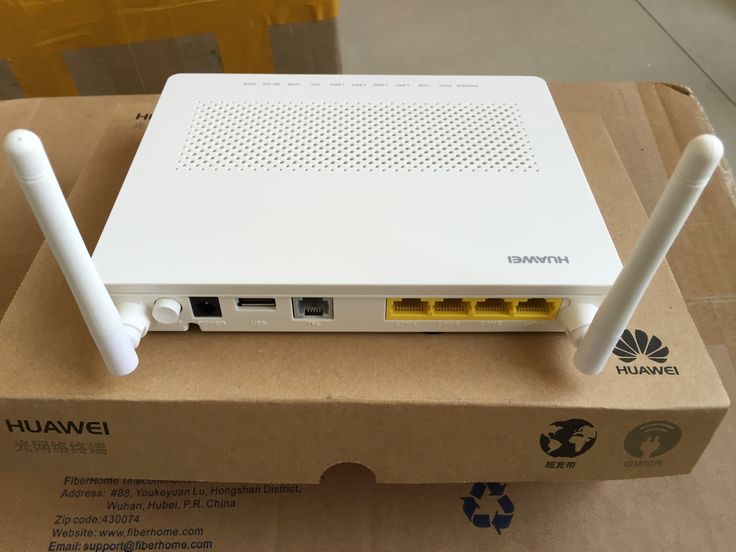
Huawei Routers: A Complete Guide to Features, Types, and Performance
Introduction
Huawei is a global leader in networking technology, offering a wide range of Wi-Fi routers, mobile broadband devices, and mesh systems. Whether you need a high-speed home Wi-Fi network, a portable 4G/5G router, or a business-grade networking solution, Huawei has a router to fit your needs.
With cutting-edge technology, Huawei routers deliver fast speeds, low latency, and enhanced security, making them a top choice for streaming, gaming, smart homes, and enterprise applications.
Types of Huawei Routers
1. Wi-Fi 6 Routers (AX Series) – Ultra-Fast Wireless Speeds
Huawei’s Wi-Fi 6 routers offer higher speeds, lower latency, and greater efficiency, perfect for modern smart homes and businesses.
✔ Popular Models: Huawei AX3, AX2, AX6
✔ Key Features:
- Dual-band or Tri-band Wi-Fi for reduced congestion
- OFDM & MU-MIMO technology for multiple device connections
- AI-powered signal optimization for better coverage
- Huawei Share for instant device pairing
Best For: Gaming, 4K streaming, smart homes, and high-speed internet users
2. 4G/5G Mobile Routers – Internet On-the-Go
Huawei mobile routers provide high-speed 4G and 5G connectivity, making them ideal for travelers, remote workers, and rural areas.
✔ Popular Models: Huawei E5577, E5785, CPE Pro 2
✔ Key Features:
- Supports 4G LTE/5G networks for fast mobile internet
- Built-in battery for portable use
- Multiple device connections (up to 64 users on some models)
- Ethernet ports for wired connections
Best For: Travel, remote work, camping, and areas without fiber broadband
3. Huawei Mesh Wi-Fi Systems – Whole-Home Coverage
Huawei’s Mesh Wi-Fi routers eliminate dead zones by creating a seamless, high-speed network throughout your home.
✔ Popular Models: Huawei WiFi Mesh 3, Mesh 7
✔ Key Features:
- Whole-home coverage with intelligent routing
- Wi-Fi 6 technology for faster, more stable connections
- Self-healing network that adapts to interference
- AI-based roaming for a seamless experience across all rooms
Best For: Large homes, multi-story buildings, and smart home setups
4. Enterprise Routers – Advanced Networking for Businesses
Huawei provides enterprise-grade networking solutions with high-performance routing, security, and scalability.
✔ Popular Models: Huawei AR Series, NetEngine Series
✔ Key Features:
- High-speed wired and wireless networking
- Built-in firewall & security protocols
- VPN support for secure remote access
- Cloud management & AI-driven optimization
Best For: Businesses, offices, and large-scale enterprise networks
Huawei Router Features & Benefits
✅ Fast and Reliable Performance – Wi-Fi 6, 5G, and AI-powered networking for smooth connections
✅ Advanced Security – Built-in firewalls, parental controls, and VPN support
✅ Easy Setup & Management – Huawei AI Life App & Web UI for simple control
✅ Energy-Efficient Design – Optimized power consumption for eco-friendly usage
✅ Seamless Connectivity – Mesh networking, MU-MIMO, and AI signal optimization
How to Set Up a Huawei Router
Method 1: Using the Huawei AI Life App
- Power on the router and connect it to your modem or SIM card (for mobile routers).
- Download and install the Huawei AI Life App on your smartphone.
- Open the app and follow the on-screen instructions to set up the network.
- Configure your Wi-Fi name (SSID) and password for security.
- Enjoy your high-speed Huawei network!
Method 2: Web-Based Setup
- Connect a device (laptop/PC) to the router via Wi-Fi or Ethernet.
- Open a browser and enter 192.168.3.1 in the address bar.
- Log in using the default credentials (usually found on the router label).
- Follow the setup wizard to configure Wi-Fi settings, security, and parental controls.
- Save settings and restart the router for the changes to take effect.
Who Should Buy a Huawei Router?
✔ Home users looking for fast, reliable Wi-Fi
✔ Gamers and streamers needing low-latency networks
✔ Travelers and remote workers requiring 4G/5G mobile routers
✔ Smart home users with multiple connected devices
✔ Businesses needing secure, high-performance networking
Conclusion: Is a Huawei Router Worth It?
Huawei routers offer powerful performance, easy setup, and advanced networking features for homes, businesses, and travelers. With Wi-Fi 6, Mesh, and 5G connectivity, Huawei provides cutting-edge solutions for modern internet users.
If you’re looking for fast, stable, and secure Wi-Fi, Huawei routers are a great investment.